What the iPad release changes
Instagram's Edits now has an iPad version. The App Store listing documents iPad support in version 457.0 and lists iPadOS 16.3 or later. It places the release in the week of November 23, 2026; the storefront can display a relative date, so the version number is the more stable reference. Instagram describes more room for the timeline and tools. Its release notes also describe selecting part of a clip before adding it to the timeline and generating captions without stopping other editing. A Labs entry lists importing .cube color tables and converting Log footage. Labs is an important qualifier: verify the controls on the device and footage you will actually use rather than making them a prerequisite for delivery.
This is a change to the production surface, not to Instagram's distribution rules. The original Meta announcement helps put the update in context: precise clip editing, project organization and watermark-free exports were part of the Edits proposition before the tablet release. The storefront now lists export up to 4K without a watermark. Neither source demonstrates that a particular iPad will render faster than your current workstation, that all projects will move between devices, or that a video made in Edits will get preferential reach. Evaluate those questions separately.
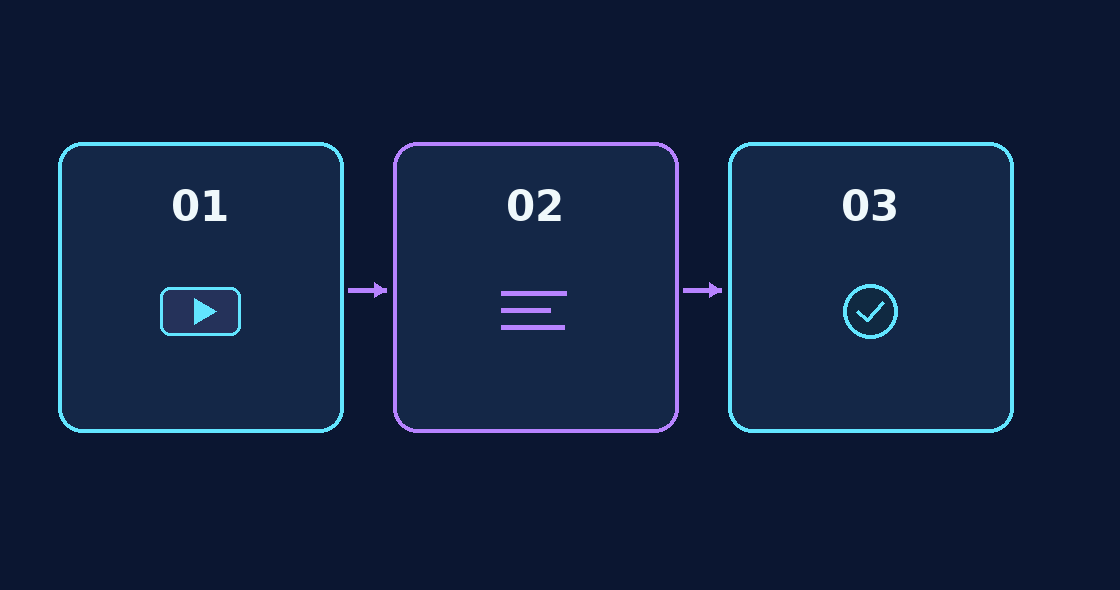
Original explanatory schematic, not the Instagram interface. It pairs two features in the App Store release notes with a separate human review before release.
Primary source for this illustration
The practical opportunity: a shorter path to an approved cut
The most useful change is not more effects. It is the possibility of moving from footage to an approved, reusable cut with fewer idle minutes. Consider a small clinic's education team. A producer films a clinician explaining what to expect at a first visit. In a phone-only workflow, finding the best answer, making a clean cut, checking caption line breaks and showing the clinician the result may mean repeated zooming or a transfer to another editor. The tablet gives two people a better surface to review the same sequence while both are still available. A clear audit trail matters more than the number of controls visible on that screen.
Start with selection. Use pre-import trim to place only the part you want on the timeline, while storing the untouched original in your approved media location. Keep enough room around important statements to preserve context and avoid clipping consonants or cutting away a qualification. Record which take you used. The point of trim before import is to reduce clutter, not to discard your source or make later corrections harder.
Once the speech sequence is reasonably stable, start automated caption generation while checking framing, pauses and insert shots. Background processing changes when you can get work done; it does not establish that captioning is faster on every device, accurate in every language, or handled entirely on the tablet. Most importantly, wait to review the captions until after your last speech edit. If a line arrives early, a clipped word or re-cut phrase can create a subtitle that says something different from the audio. Where Arabic and English alternate, check direction, punctuation, numerals and line breaks on the actual portrait export.
Keep color and delivery on the critical path only when they belong there
For a team already shooting Log footage, the Labs controls offer a route to try a conversion and then assess a .cube LUT in a controlled sample. Log is a capture profile designed to preserve grading flexibility; a LUT translates input values into a new look. A LUT intended for the wrong input profile can produce inaccurate color. Test on a reference clip with the same camera profile, compare skin tones and brand colors, and make sure no tones or highlights are visibly crushed. Avoid stacking a technical conversion and a creative look unless you can verify what each one expects as input. There is no reason for a team with correctly exposed standard footage to adopt Log simply to use a new feature.
Similarly, 4K export is an option, not a publishing requirement. Set the delivery specification before filming. Choose a framing and output size suitable for destination and archive, then inspect the rendered file before sharing. A clean preview on an iPad does not guarantee that captions will avoid navigation overlays on a phone. Check it at the intended mobile size with sound on and off, and check the final framing after any platform crop. Choose audio whose reuse rights cover the intended distribution; a file lacking a watermark does not carry a license to redistribute its music.
Build a repeatable review loop around one low-risk format
Start with one format where speed could make a difference and the review criteria are clear. A 30–45 second public education clip recorded with a clinician and approved background is a better first test than a patient testimonial or a multi-camera launch film. Before filming, agree the audience question, opening line, one useful answer, intended call to action and reviewer. Ask for two complete takes and a clean pause at the end of each statement. Capture approved insert shots separately rather than padding with footage you cannot review.
A sensible handoff has four owners. The producer identifies the usable source clip and creates the approved project copy. The editor owns cut, captions, audio and version naming. The designated accuracy reviewer verifies the claim, clinical language and factual caveats. The publisher checks destination, consent basis, asset rights and the exact signed-off version. On small teams one person may hold more than one role, but the checkpoints should still exist. Record approval next to the version or asset ID and reopen it if new content changes the meaning. The faster an editor can export, the more useful it is to make approval visibly distinct from export.
For a health business, film staged scenes or staff who have been cleared for that use. Keep patient screens, visitor names, charts, wristbands and identifiable voices out of the source video, not just out of the final cut. Follow the organization's device, storage and sharing rules, especially before bringing any asset into a consumer editing app. The App Store privacy section reflects a developer declaration, not a determination of your organization's data handling obligations. If you cannot explain what may be captured, who would approve it and where it can be stored, use a synthetic demonstration instead. No part of this pilot requires testing with confidential material.
A ten-video pilot that can actually guide a decision
Prepare five matched pairs across ten clips. Match the pair by topic complexity, editor skill, approval requirements and expected length. Randomly assign one clip in each pair to your current editing process and the other to the iPad workflow. Alternate the order when one editor works on both, so learning and fatigue are not assigned consistently to the same method. If the team first needs to learn the interface, run a practice clip outside the pilot. Record the device, installed version, recording profile, and whether Labs features were used for each project. Freeze the review checklist and delivery format until the test ends.
Track at least three production measures. Hands-on time means minutes with a person actively working, including caption corrections and export checks. Time to approved export runs from files ready for edit to signed-off output and includes elapsed waiting. First-pass acceptance is the share meeting the frozen checklist without a corrective revision. Keep active time separate from wait: a background caption task can save an idle interval without reducing the time a reviewer spends correcting the text. Tag each defect by type, such as caption, color, audio, factual accuracy, fit on screen or rights. Compare pairwise differences and list any exceptional technical failures rather than hiding them inside an average.
Here is an illustration, not a result from Instagram or a clinic. Suppose the median time to approved export falls from 90 to 65 minutes. The cut delivers 25 minutes earlier, about 28% faster on that elapsed measure. If first-pass acceptance is four out of five in each arm and critical errors are zero in both, that could justify a longer trial. If one workflow instead introduces two critical caption errors, address the review failure before scaling even if the time saving stays the same. With five videos in each arm, a single acceptance changes the share by 20 percentage points; that is why the pilot selects a workflow to test further, not an editor to declare superior in general.
Separate distribution from production
Post performance is a second question. Compare traffic and short-watch retention only when publication timing, media spend, placement, topic and creative structure are comparable. Where possible, use the same distribution format and agree in advance how you will count views or completed plays. Not every surface reports the same retention event; do not mix an available early-view measure from one destination with a differently defined metric from another. Record whether the app used the released version, but avoid concluding that it caused a view increase if the opening line, clinician or audience changed too.
For appointment-oriented educational content, a stronger downstream report keeps platform clicks, booking requests, confirmed appointments and visits attended separate. Those are different events with different denominators; a click cannot prove a patient was seen. For a small production pilot, audience metrics are guardrails rather than the main decision. If the new tool helps you produce clearer approved assets with reliable review and no new privacy burden, that can be worth adopting even before a statistically useful distribution test is possible.
Write down what would make you stop the pilot before opening the app: an unauthorized recording, an incorrect clinical claim passing review, or a project that cannot be recovered from the approved source. Keep one reviewed export and an internal list of edits so a backup editor can reproduce the work without relying on an app-specific draft. If an experimental color feature fails, export the approved footage using the simpler existing workflow. A fall-back procedure is part of measuring the real cost of adopting a tool, not evidence that the rollout itself has failed.
Buy time, not more complexity
Edits on iPad is worth trying where the expensive part of short video is the gap between selecting a good take and getting an accurate version approved. Keep the desktop pipeline for jobs that need deeper sound or color work, larger team collaboration, complex revisions or a controlled archival workflow. Keep the tablet workflow only if saved time survives the whole chain from selection to approval. The key takeaway: adopt the app for measurable production gains, not promises about reach, and treat the final exported file and approved text as the things you are accountable for.
Comments
No published comments yet.